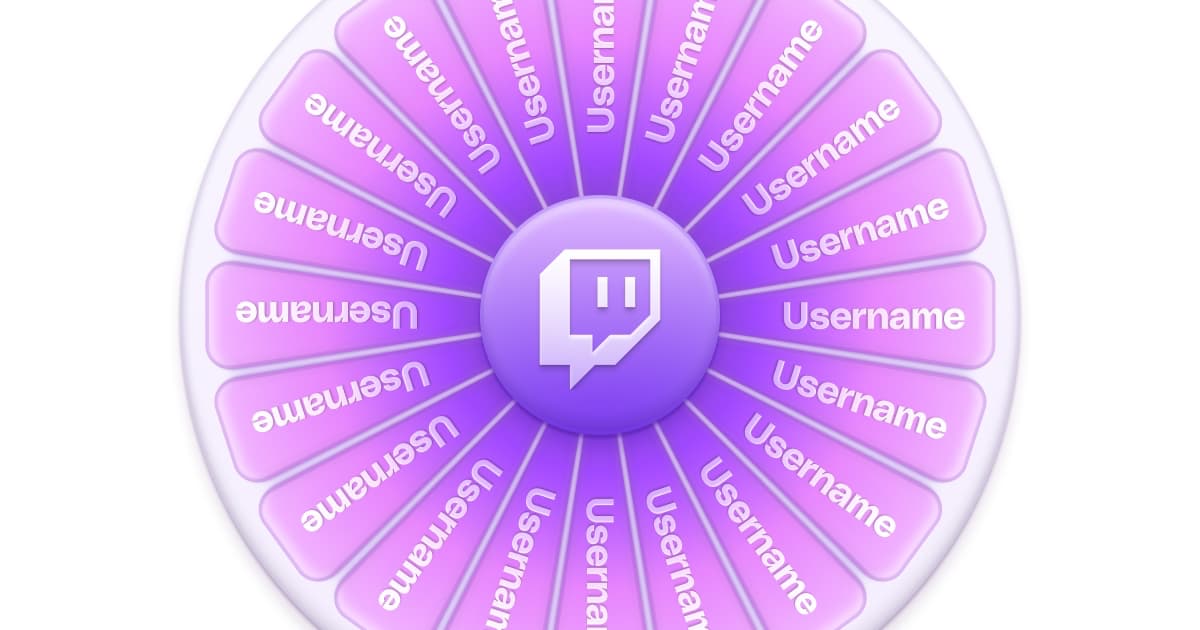
Wheel of Names for Twitch: OBS Setup, Giveaways and Ideas
A wheel of names on Twitch does two jobs at once: it picks fairly, and it picks visibly. Announcing a giveaway winner from a spreadsheet is fair but dead air; spinning a wheel on camera turns the same draw into thirty seconds of shared tension and a clip. Below: how to put a wheel on stream in OBS, how weighted entries work, how to run giveaways that help your community, and wheel ideas beyond giveaways.
How to put a wheel of names on stream in OBS
There are three ways, from quickest to cleanest:
- Window capture. Open any wheel in a browser window and add it to your scene with a Window Capture source. It works with every wheel, but you capture the browser around it too, and you have to click the spin button in that window.
- A browser source. wheelofnames.com documents adding its wheel to OBS or Streamlabs as a browser source, which gives you the wheel without the browser chrome.
- A giveaway wheel on your scene. The Pulz Giveaway widget sits on a scene that already runs as a browser source: names pile onto a wheel as chat types the keyword, and it spins to the winner on stream. You open entry and draw from Stream Control, so there is no extra window to manage.
Wheel ideas for streams
- What to play next. Put your backlog on the wheel and let chat own the decision. Variety and Roblox streamers fill it with games or experiences chat suggests.
- Challenge modifiers. Pistol only, no healing, inverted controls, speak in rhymes. A punishment wheel after a death turns failure into a segment.
- Viewer lobby picks. When more viewers want in than there are slots, a wheel beats first-come-first-served and spares your mods the drama.
- Sub and supporter thank-yous. A periodic spin of recent subs or gifters for a small perk: a game with you, a Discord role, picking the next song.
- IRL and cooking streams. What to eat, where to walk, which ingredient goes in next.
- Milestones. Birthday and follower-goal streams with a wheel of rewards chat unlocks.
How many names can a wheel hold?
wheelofnames.com's FAQ says it shows up to 1,000 names at once and feeds in extra entries during the spin. The Pulz wheel has no fixed cap, but past a few hundred entries every slice becomes a sliver nobody can read. For big giveaways, collect entries from chat and spin among a short list of finalists: you keep the scale and the on-camera moment.
Weighted entries, done openly
Most giveaway disputes are fairness disputes. Weighted entries solve the honest version: subs or long-time supporters get better odds without excluding anyone. In the Pulz wheel of names, weight is part of the entry: type mira * 3 and Mira gets three slices, up to x99. Because the wheel is on screen, the weighting is visible instead of suspected; announce the rule before you spin.
Ways to collect giveaway entries from chat
| Tool | How viewers enter | Extra odds for subs |
|---|---|---|
| Pulz Giveaway widget | Type a keyword (!enter by default) | Weighted and subscriber-only entries |
| Nightbot giveaways | A keyword, chatting in a time window, or guessing a number | Luck settings for subs and regulars |
| StreamElements giveaways | Buy tickets with loyalty points (!ticket) | Subscriber luck, 1x to 10x |
| Manual entry | You type the names | Use weights, like name * 3 |
Giveaway rules that keep your community healthy
Streamer communities are blunt about this: giveaways don't grow a channel. Viewers who come for a prize leave with it, and constant giveaways teach your regulars to wait for the next drop. The version that works is occasional, not in the title as bait, and framed as a thank-you to the people already there.
- State the entry rule once, clearly: who can enter, how, and when the draw happens.
- Never require payment to enter. Subs can earn bonus entries, but a purchase-only draw can count as an illegal lottery in many places. Keep a free way in.
- Draw on camera and deliver the same day. An undelivered prize costs more trust than the giveaway earned.
- Follow Twitch's rules and your local laws. You are responsible for your own promotions, and game keys must be legitimate.
Making the wheel look like part of the stream
A default wheel in a random tab looks like a detour to someone else's website. The Pulz wheel needs no account, and once you sign in it takes its colors from your page theme, so the spin matches the rest of your channel branding. It shows confetti on the win and can play a fanfare (sound is off until you switch it on), and it remembers your entries while you move around the dashboard, though not across a reload.
FAQ
How do I add a wheel of names to OBS?
Add the wheel's page as a browser source, or capture a browser window with Window Capture. For giveaways, a widget that runs on your scene, like the Pulz Giveaway widget, collects chat entries and draws on stream without a second window.
How many names can wheel of names hold?
wheelofnames.com shows up to 1,000 names at once and adds extra entries during the spin. The Pulz wheel has no fixed cap, but for hundreds of entries, collect them from chat and spin among finalists so the slices stay readable.
Is a wheel of names actually random?
Random enough for a casual giveaway: wheels like Pulz's use the browser's standard random generator, and weights just give a name more slices. It isn't an auditable draw, so for valuable prizes, record the spin and publish the entry list.
Can I save my wheel entries?
Not on the Pulz wheel: entries last while you move around the dashboard but are gone after a reload. Keep a list to paste from, or let the Giveaway widget collect entries live.
Do giveaways help a small channel grow?
Mostly no. Prize hunters follow, collect and leave, and they skew your analytics on the way out. Treat giveaways as a thank-you to the community you already have.
Keep reading
Twitch Channel Setup Checklist: What Your Page Needs (2026)
Most visitors meet your channel while you're offline. Here's everything the page needs, with the sizes, and a fifteen-minute audit to find what's missing.
Twitch About Me Panel: What to Write (With Examples)
Most About Me panels are inside jokes and missing context. Here's how to write one that helps a new visitor decide to follow, with templates you can adapt.
Twitch Branding: How to Build a Channel Brand (+ Brand Kit)
Branding isn't a logo. It's a few small decisions applied the same way everywhere, until viewers recognize your clips before they read your name.